AFTER SHARING
Can you change a song dedication after sending it?
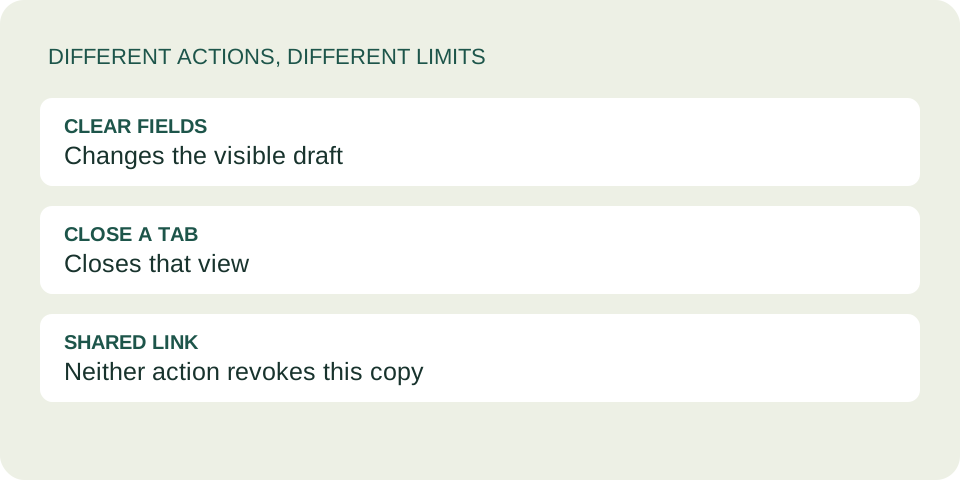
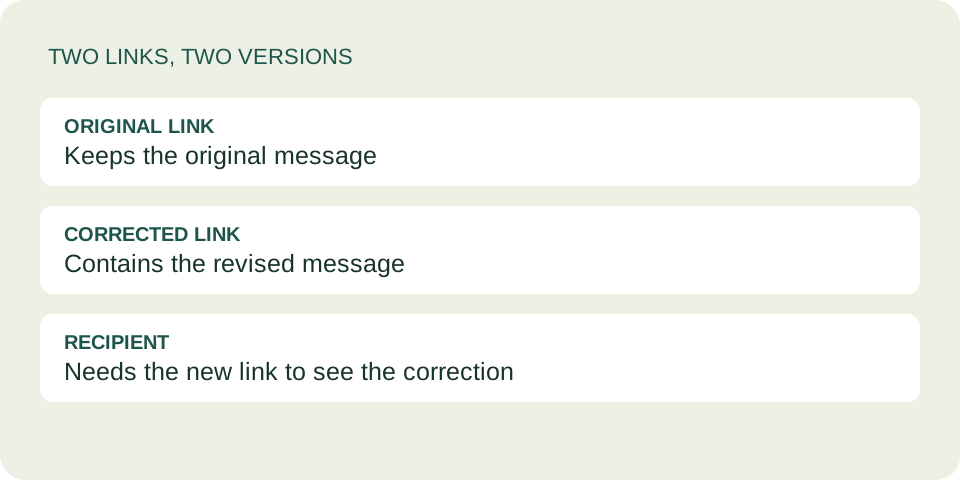
You can make a corrected DedicationCard and send its new link. You cannot update or revoke the old card through this tool: its message is stored inside the link already shared. A new version does not replace anyone’s saved copy.
Create a corrected card →Choose your next step
| Situation | Useful action | Limit |
|---|---|---|
| A typo or wrong name | Recreate the card with the corrected text and share the new link. | The original still contains the typo. |
| The wrong recording | Select the intended music, recreate the card, and check its listening link. | The old card still points to the previous selection. |
| You included something private | Ask the recipient to delete the original message and avoid forwarding it. | This is a request, not a remote deletion feature. |
| You no longer want to send it | If it has not been shared, simply do not send the link. | Once another person has it, the tool cannot recall it. |
A practical correction workflow
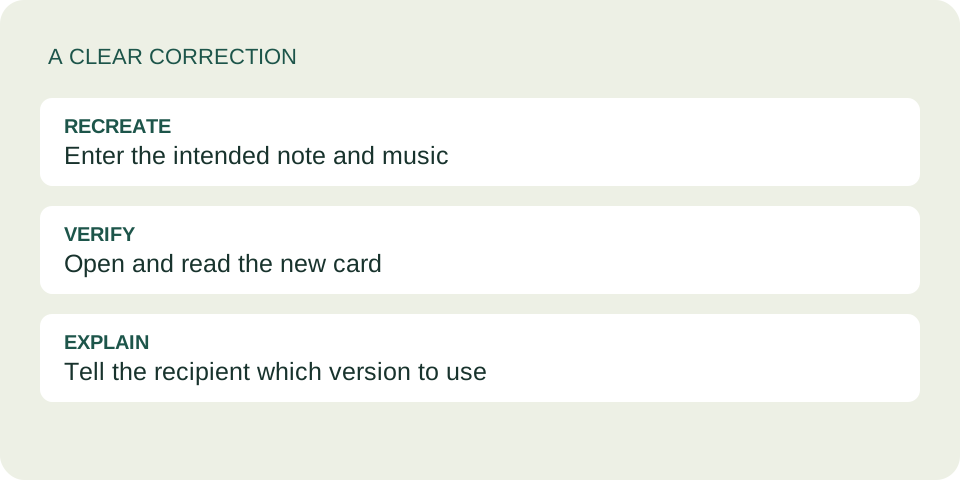
- Open the original card and keep only the information you still want to share: the recipient, note, signature and music destination.
- Return to the creation form. Enter the corrected details. There is no saved-card editor that automatically loads an earlier card for you.
- Select the music again. For a Spotify card, use its supported original music link; for an Apple Music selection, search for the intended recording.
- Create the new card, then read the recipient and the full note. Check the signature and music destination too.
- Copy the new dedication link and clearly tell the recipient that this is the corrected version.
Do not resend a link you copied before recreating the card. That address still represents the earlier version. If you are unsure, open the link you are about to share and read its message before sending it.
For music selection problems, use the recording-search guide. If your goal is just to omit your signature, check the anonymous option’s limits as well.
What our version check covers
Our verification uses two synthetic notes with the same recipient and music selection. We create an original card, create another with revised text, then reopen each generated address separately. The original address should still show the first note, while the new one shows the revision.
This checks the behavior of the current tool. It does not test a chat service’s delete or unsend feature, and it does not promise that a recipient has removed an earlier message. No real personal dedication is needed for the check.
Why the old link does not change
The tool places encoded card data after the # in the address. As MDN’s fragment reference explains, this part is handled by the browser rather than sent as part of the page request.
In this tool, that data contains the note itself, rather than an identifier for a saved message that you can edit on a server. A different note therefore produces a different address. The tool provides no account-based revoke button or password control for an existing link.
Say what changed without creating confusion
These are original illustrative examples, not quotations from users.
Small correction
“I spotted a typo in the card. Here is the corrected version; please use this link instead.”
Different recording
“I meant to send the other recording of that song. This new card has the one I intended.”
If the original included private information, keep the correction brief rather than repeating that information in another message. Ask directly for deletion, while recognizing that screenshots or forwarded copies may remain outside your control.
Common questions
Does clearing my browser delete the card?
It does not remove the data from a link that someone else already has. The recipient’s complete address is sufficient to open that version.
Can I edit the characters in the address myself?
Use the creation form instead. Manually changing encoded data can make the card invalid or leave you with a version you have not checked.
Will the original link expire when I create another?
Creating a new card does not expire the original. Do not rely on a replacement link as an access-control measure.
Is deleting my chat message enough?
That depends on the chat service and what the recipient has already saved. DedicationCard cannot verify deletion or remove screenshots and forwarded copies.
Review once before sharing again
A clear correction and a checked new link are more useful than repeatedly sending unverified versions. See the full-card sharing guide if you need help choosing the right copy button.
Preparing before a birthday?
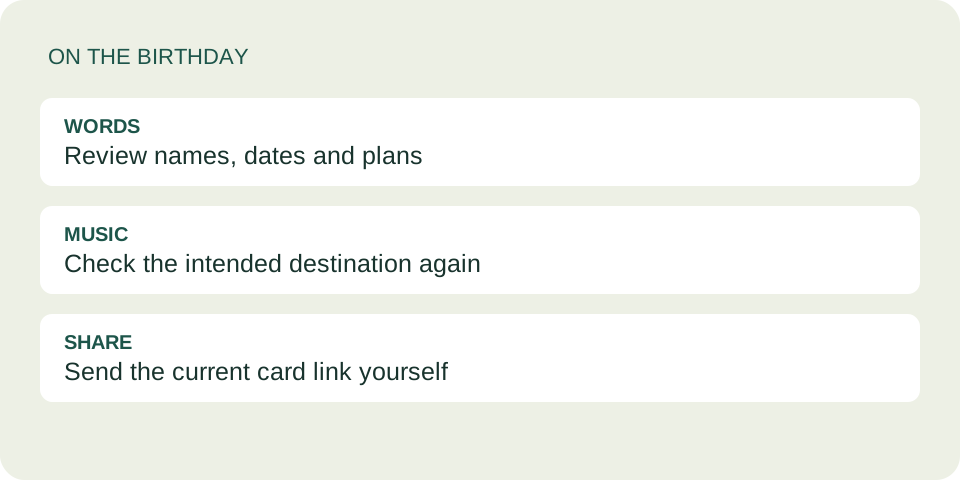
Keep a preparation note and check the saved card before the day.
Preparing more than one card?
Writing in two languages?
Clearing a draft is a different action