SEARCH HELP · SEPTEMBER 28, 2026
Can’t find the song you want to send?
Search the song title and artist together, then check both names before choosing a result. DedicationCard searches Apple’s US catalog and requests up to 12 songs at a time. A missing result does not prove the song is unavailable everywhere. If search fails, you can use a full Spotify track link instead.
Find your song →First, identify what went wrong
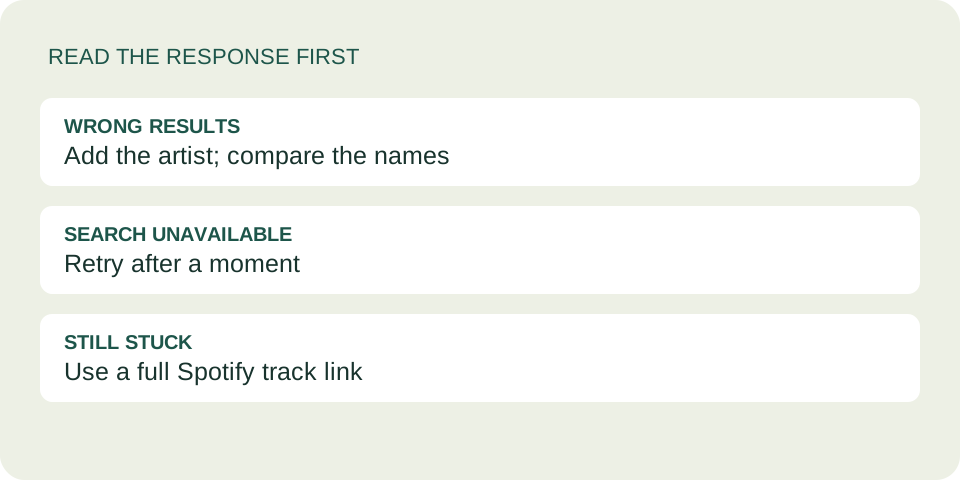
You see songs, but not yours
Keep the title and add the artist. Read the small artist line under each result. A familiar title alone is not enough to identify the recording you meant.
You see an error instead
“Search is unavailable right now” means this request did not finish successfully. It does not tell you whether the song exists. Try once more after a moment, or use the Spotify option.
- Type a recognizable title and the performer’s name in Song or artist. Remove extra words such as “send this song to my friend.”
- Choose Search and let that request finish. Repeated rapid searches can produce a wait message in this tool.
- Inspect the title and artist together. If you want the studio recording, watch for words such as “live,” “cover” or “tribute.”
- Select the intended result. The card preview should show its title and artist; open the music destination to confirm the recording before sharing.
What happened in our three searches
We searched the live DedicationCard tool on September 28, 2026. These are snapshots of the returned list, not promises about future ordering or an evaluation of the whole Apple catalog.
| Query | What we saw | What to check |
|---|---|---|
| Hello | The first result was “Hello (Single Edit)” by Martin Solveig & Dragonette. “Hello” by Adele appeared second; Lionel Richie also appeared. | One title can lead to different performers. |
| Hello Adele | “Hello” by Adele appeared first. The list still included tribute and cover results. | Adding an artist helps narrow intent but is not an exact-match filter. |
| Adele Hello | “Hello” by Adele again appeared first. Other entries differed from the previous list. | Changing word order is worth a try, but do not assume the rest of the list stays the same. |
We selected Adele’s result, added a synthetic test note, created a dedication and checked the resulting card. It displayed “Hello,” “Adele,” the recipient, message and signature. The Copy dedication link button reported success. We did not test a paid subscription, full-song playback or access in every country.
Why the list is not your entire music library
Apple’s Search API documentation describes separate controls for the search term, storefront, result type and result limit. Our current tool requests songs from the US storefront with a limit of 12.
That is a small returned set, not a search of your personal playlists, local files or saved Spotify library. This interface has no country selector and no “next page” button. Not seeing a recording in these results is therefore not evidence that it has disappeared from every service.
Choose the recording, not just the title
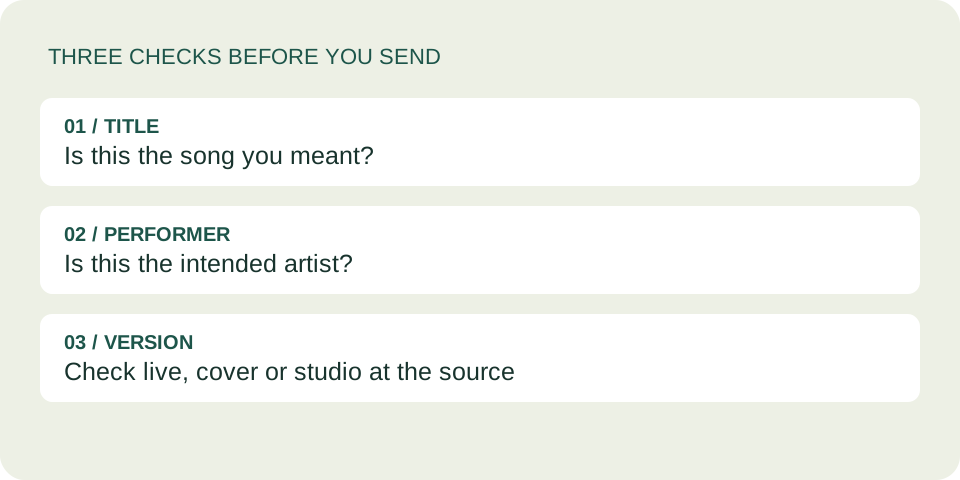
Before sending, check the performer and any version label. A live recording, instrumental cover and studio single may share a title while giving the listener a different experience. The result buttons here show title and artist; they do not provide a complete release comparison.
If the intended recording is on Spotify, copy its full track address and use the separate Spotify link field. Do not paste an Apple Music address into that field: it validates Spotify addresses only. Our Spotify link guide explains the supported formats.
Questions before you send a song
Does an empty list mean my song was removed?
No. “No matching songs found” applies to that response and query. Try a clearer title and artist or check the original music service. Do not infer a global removal from this small search list.
Can I search my own uploaded audio?
Not in this tool. It searches Apple’s catalog; there is no file upload or connection to your private library.
Why did adding an artist still show a cover?
The returned list can contain related recordings. Our “Hello Adele” check included covers and tribute entries. Read the actual performer line instead of treating your search words as a guarantee.
Will everyone be able to play my selection?
Finding and selecting a result does not establish playback access. Check the destination; account and regional availability still depend on the music service.
Find it, check it, make it personal
Once the recording is right, add your own message. Use the complete dedication link to include the note when you share.
Send a song →Choose for the listener before searching