ONE SONG, SEPARATE NOTES
Send the same song to several people
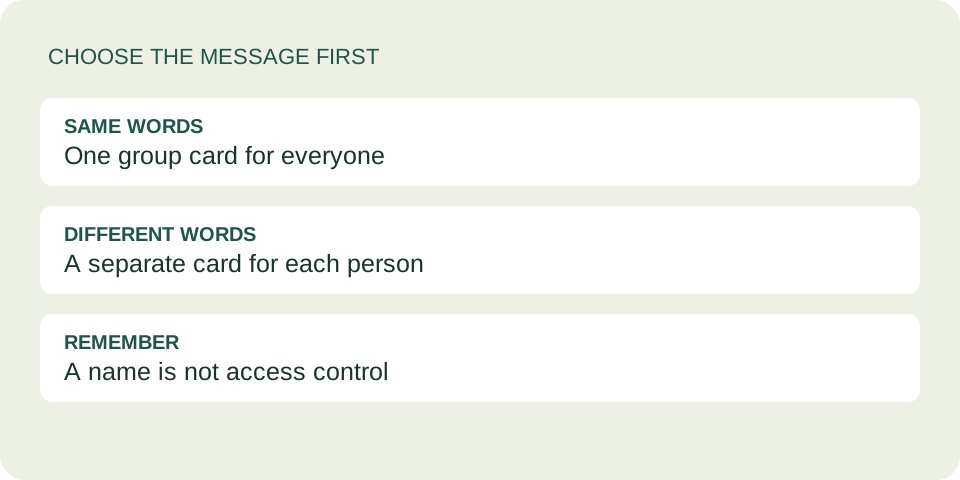
For different personal messages, make a separate card for each person and pair each saved link with its intended recipient. For one message meant for everyone, you can share one group card. This tool does not send cards automatically or personalize a shared link for each viewer.
Choose one shared message or separate cards
The recording can stay the same while the words change. A single card link always contains the same greeting, message and signature, whoever opens it. Sending that link to a different conversation does not change the name on the card.
One shared card
Use a greeting that fits the whole group, and a note everyone is intended to read. A shared memory from a group trip might fit. Do not include a personal aside intended for only one member.
Separate personal cards
Create each note independently. This is useful when two people know the same song for different reasons or when your signature should differ between conversations. Separate links help you organize the messages; they do not prevent forwarding.
Use a recipient-to-card checklist
Keep a small private list while preparing. This fictional example shows what to check; it is not a record of real people. Replace each placeholder with your own saved complete card link.
| Recipient | Note begins | Saved card |
|---|---|---|
| Alex | That train journey still makes me smile. | Alex's complete link |
| Sam | A little energy for your practice session. | Sam's complete link |
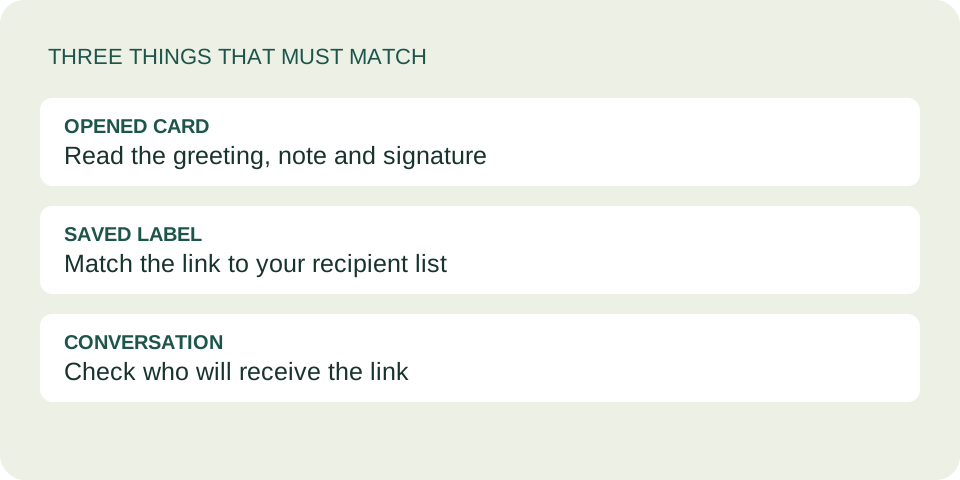
The opening words act as a quick mismatch check. If Alex's row opens a note about a practice session, stop and correct the pairing before sending. A filename or label is only your reminder; the opened card is the evidence.
- Create the first card with its intended name, note and signature.
- Copy the complete dedication link and save it beside that recipient.
- Start another card for the next person. Check every personal field again, even when using the same music.
- Open each saved link and compare its name, opening words and signature with your list.
- Check the conversation recipient before pasting that person's link.
For help keeping the address intact, use the complete card-link guide. This checklist is about matching multiple cards to people, rather than the mechanics of copying one address.
Pause between conversations
Finish checking and sharing one person's card before moving to the next. The clipboard holds the last item you copied; changing chats does not select another card for you. Copy again from the correct saved card instead of assuming the previous clipboard content is right.
If you notice a mismatch after sending, tell the person plainly that the wrong card was shared and send the correct one. A new card cannot recall a link already received. See what a replacement link can and cannot change.
Questions before sharing with a group
Will making Sam's card update Alex's card?
No. Each generated link carries its own content. Creating another card does not change a previously saved link.
Can one card have a group greeting?
Yes. Write a suitable group name in the recipient field and a message intended for everyone. Every person who opens that link sees the same card.
Can I bulk-send personalized cards here?
No. There is no mailing list, recipient import or automatic delivery. Prepare separate cards and share them yourself.
Are separate cards private to their named recipients?
No. The name is a greeting, not access control. Anyone with the complete link can read it, including someone it is forwarded to. Keep confidential details out.
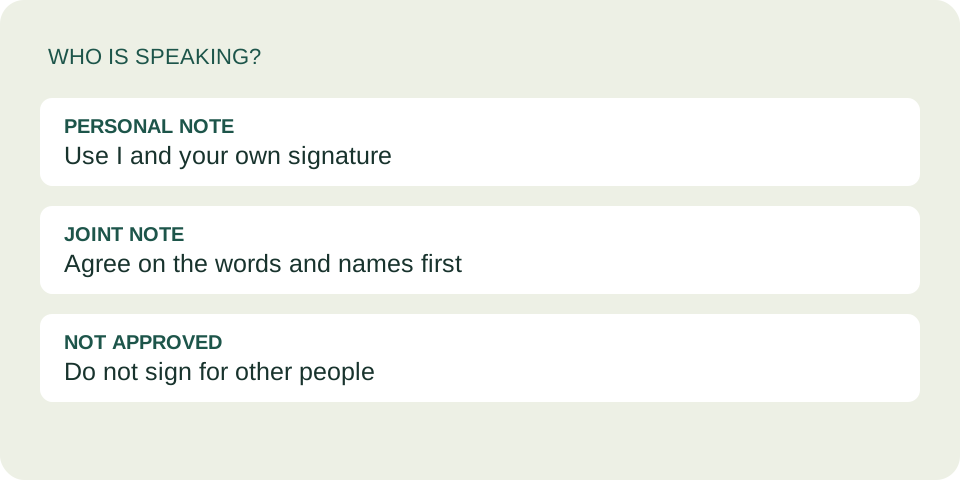
Check whose voice the card represents