PREPARE NOW, SHARE LATER
Prepare a birthday song card before the day
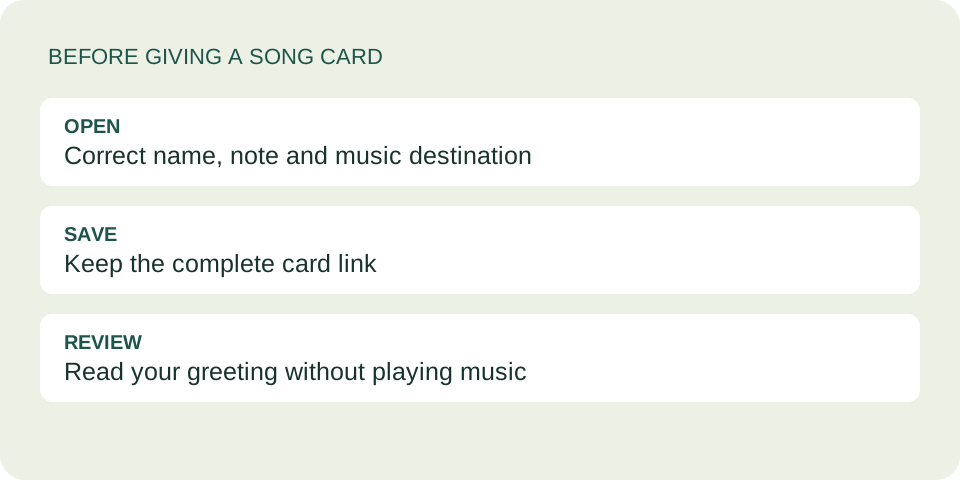
Yes—you can make a song card in advance, save its complete dedication link and send it yourself on the birthday. This tool does not schedule delivery or save an account history. Keep a plain-text backup and reopen the card before you share it.
Separate preparation from delivery
Creating a card does not send it to the person named on it. Use that separation to prepare without spoiling the surprise: choose the music, write your note and review the preview. Avoid putting surprise plans or someone else's private details into a link you might accidentally forward.
The complete card link carries the card content. A music-service link only points to music. Save the link from “Copy dedication link,” rather than the homepage address or just the Spotify address. Anyone with the full dedication link can read it; this is not encrypted storage.
Keep a small preparation note
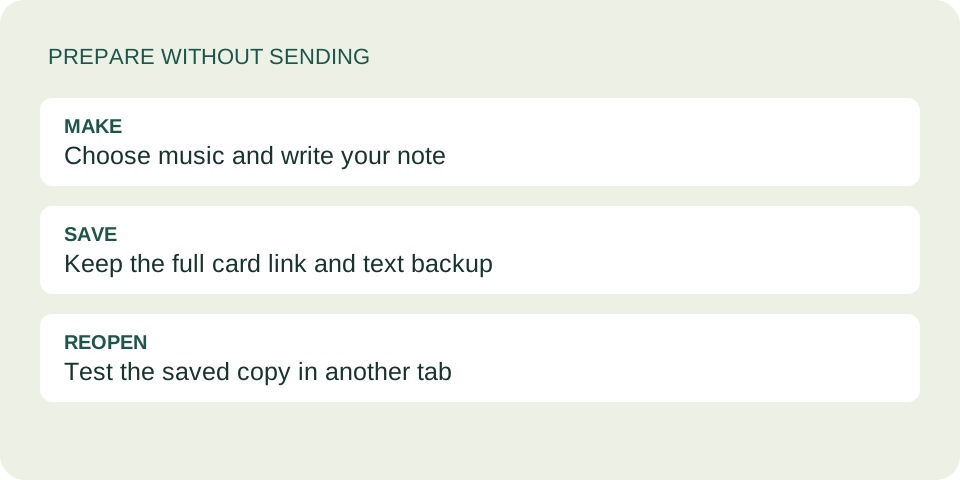
Use a private note or document you already trust. Store the complete link and the words needed to rebuild the card if necessary. Do not paste it into a public task board. The following is a blank planning aid, not a scheduled-delivery feature.
- Recipient and intended day
- Who is it for, and which date is their birthday?
- Complete dedication link
- Paste the entire copied address without shortening or editing it.
- Rebuild information
- Keep your message, chosen signature and original music link separately.
- Manual reminder
- Set your own reminder in a calendar you use; check the recipient's local day if relevant.
A reminder prompts you to act. It does not deliver the card. You do not need to enter a birthday or email address into this site to prepare the card.
Test the saved copy, not just the preview
- Paste the copied link into your private preparation note.
- Open that saved link in a new browser tab.
- Check the recipient, signature, message and selected music on the opened card.
- Try the music destination separately. Its availability and account requirements can change.
If the address opens the creation form, you may have saved the homepage instead of the card. If the message is incomplete or wrong, go back to your saved text and create a corrected card. For broken music playback, use the separate playback checklist.
Passing this check today does not guarantee that the website or recording will remain available forever. That is why keeping the plain text and original music link is useful.
Review the wording on the actual day
Here is an invented editing example. A draft says, “I hope tomorrow's hike is wonderful.” If you send it after the hike, that sentence no longer fits. A less time-dependent version is, “This song reminds me of our trail conversations. I hope your birthday brings you another moment outdoors.” Replace the example with details that are true for you.
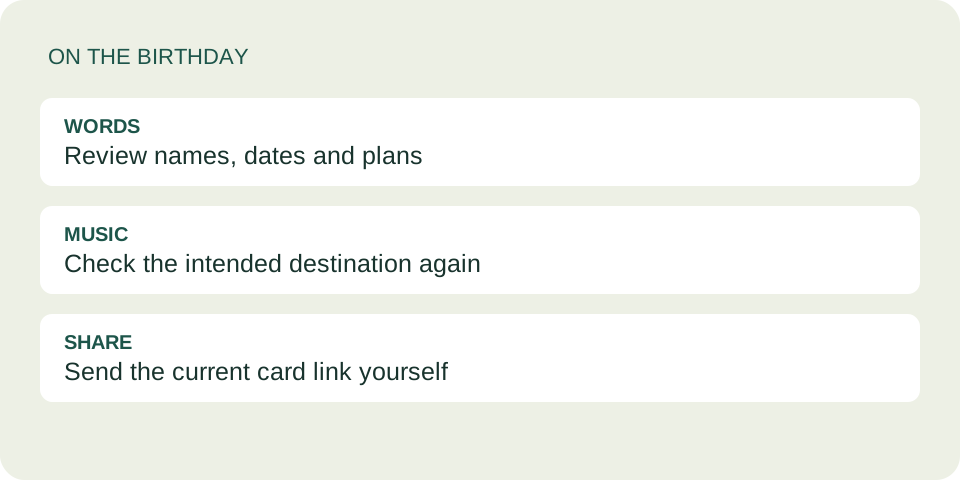
Check names, dates and any mention of “today,” “tomorrow” or upcoming plans. If you revise the card, save its new link and label it as the version to send. Creating a replacement does not update the older link. See how replacement cards work.
Questions before you prepare
Will the recipient be notified when I make the card?
No. This tool does not send a notification or deliver the card. You choose how and when to share the link.
Can I close the browser after saving the link?
The link contains the card information, so the creation tab does not have to stay open. Test your saved copy first and retain the text backup; there is no account history to recover a lost link from.
Should I put the link in a scheduled chat message?
That would be a separate feature of your messaging service, not this site. This guide uses a personal reminder and manual sending so you can review the card on the day.
What if I lose the card link?
Recreate the card using your backup words and music link. Without a saved link or text, this tool has no history from which to restore it.
A final handoff check