LINK CHECK · SEPTEMBER 27, 2026
Which Spotify link should you send?
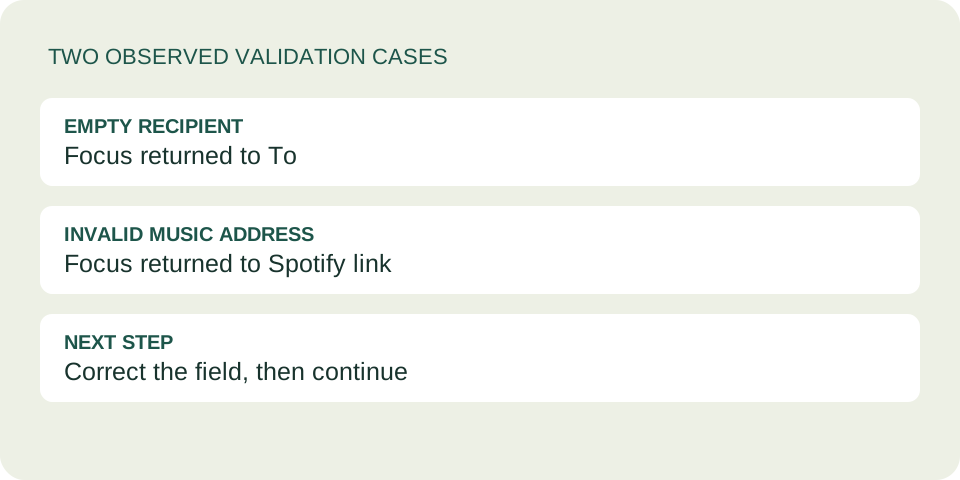
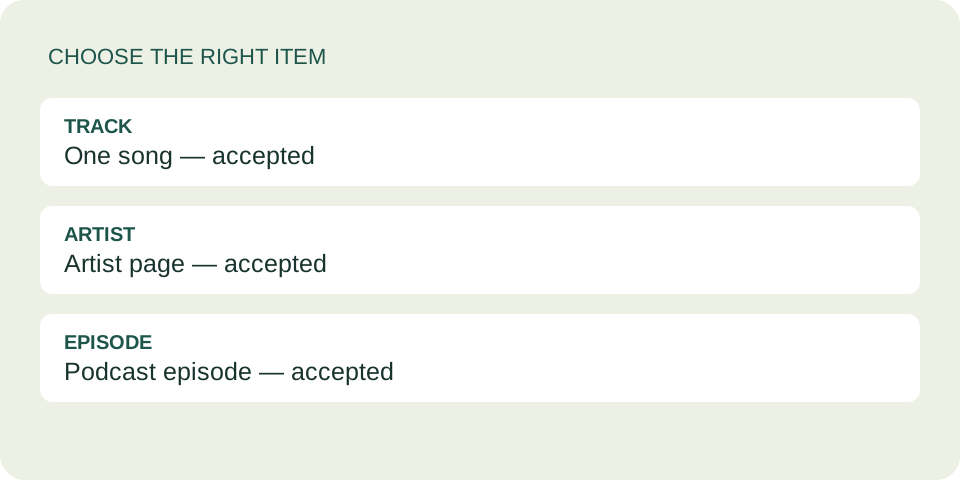
To send a song on DedicationCard, paste a full https://open.spotify.com/track/… link and choose Use link. This tool also accepts artist and podcast episode links. It does not accept playlists, albums, short links, Spotify URIs or embed code. If yours is rejected, copy the individual song’s link instead.
Make a song dedication →The link types this tool accepts
Look at the part immediately after open.spotify.com/. It tells you what you selected. The examples below show address shapes, not playable songs: replace nothing by hand. Copy the real address from the item you want to share.
| Address shape | Accepted here? | What to do |
|---|---|---|
/track/… | Yes | Use this for one song. |
/artist/… | Yes | Opens an artist, not a particular song. |
/episode/… | Yes | Use for a podcast episode. |
/playlist/… or /album/… | No | Open the intended song and copy its own link. |
spotify.link/… | No | Open it in Spotify or your browser, then obtain the full item link. |
/embed/track/… or an iframe | No | Choose the sharing link, not embed code. |
spotify:track:… | No | Copy the HTTPS sharing link instead. |
These are DedicationCard’s limits. They do not mean that Spotify itself cannot share playlists or albums. An accepted link also does not prove that the item exists or will play for your recipient.
Get the individual song’s link
Spotify’s official sharing instructions describe opening the item’s menu, selecting Share and copying a link. On desktop, the sharing menu also offers embed code. Those are different outputs; DedicationCard needs the link.
A practical repair sequence
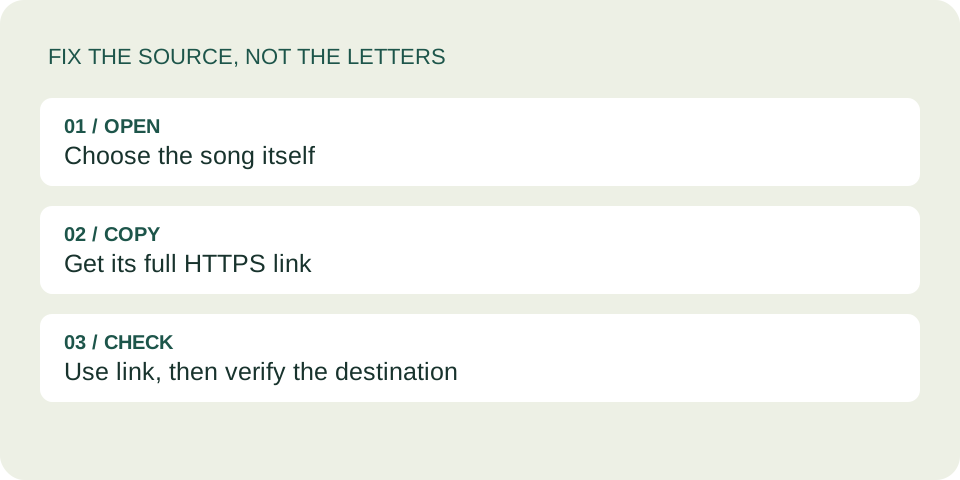
- Identify the item. If you started inside a playlist or album, select the song itself. Copying the collection’s address will keep pointing to that collection.
- Get a full address. If you have a short link, open it through the normal Spotify or browser flow. Once the intended item is visible, use its sharing option or its full browser address. Check that it begins with
https://open.spotify.com/track/. Do not invent an identifier or renameplaylisttotrack. - Replace the entire input. Return to the tool, select the old value in Spotify link, paste the new address and choose Use link. A successful input displays a selected item.
- Check what was selected. A pasted song link is labelled “Spotify track” here. DedicationCard does not look up its song title. Verify the song in Spotify yourself before sharing.
If the error remains, look for missing characters, surrounding text or the wrong domain. Paste only the complete address. You can also use the tool’s song search, which provides Apple Music results; that is a different listening destination, not a conversion of the Spotify link.
What our checks actually established
We ran eleven address-format checks against the exact validator used by this site. Full track, artist and episode paths were accepted. A track path with intl-de/ was also accepted, as was a track address with a query string. Playlist, album, embed, short-link, URI and incomplete-identifier inputs were rejected.
The accepted query-string example was saved as a clean music address without its query parameters. This is a description of this tool’s input handling, not a promise of anonymity across Spotify or the app you use to send the card.
These checks used synthetic inputs and tested formatting only. They did not test whether those identifiers exist in Spotify’s catalog, availability by country, subscription access or full-song playback. A valid-looking address can still point to unavailable content.
After choosing your music, add the recipient and your own message, then create the dedication. Use the card’s Copy dedication link button if you want the message included. Our complete-link sharing guide covers that separate final step.
Questions before you send
Why does my card say “Spotify track”?
That is the generic label assigned to a pasted track link. It is not an error and it is not confirmation of the song title. Open the music address to check the actual song.
Can I dedicate an entire playlist here?
Not through the current Spotify input. Choose one song for this card, or share your playlist directly in your own conversation. Do not change the path text to make a playlist look like a track.
Can I paste Spotify embed code?
No. The field expects a web address, not HTML. Spotify’s embed tutorial explains that separate format. The finished card builds its own player after the recipient chooses to load it.
Does acceptance mean the recipient can listen?
No. Input acceptance, opening a card and playing music are three separate checks. Playback still depends on Spotify and the recipient’s circumstances.
Using the search box instead? Read our song search checks.
One song, the right address
Start with the song itself. Copy its full track link. Check the destination, then add the words that make it yours.
Create your card →When your friend uses another service
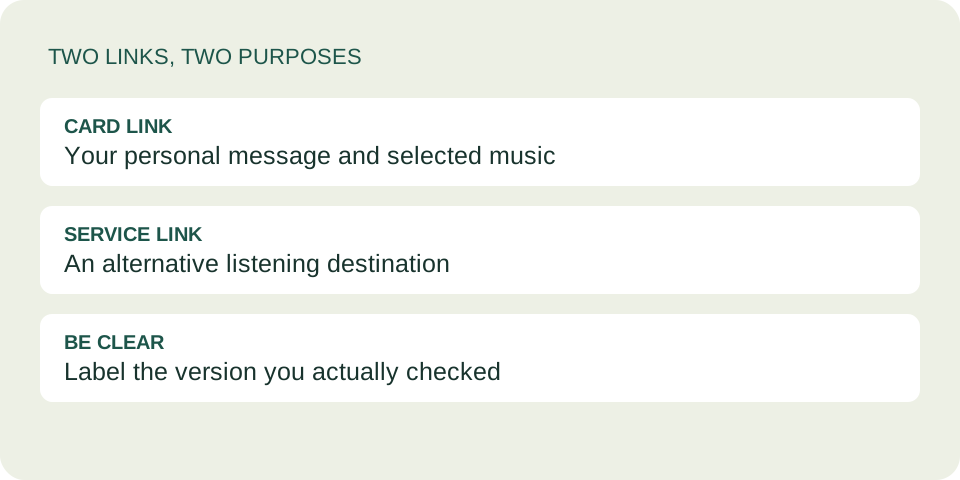
Use the recording reference checklist to compare an alternative destination.
Recover from a link entry error