A TESTED KEYBOARD ROUTE
Create and review a song card using a keyboard
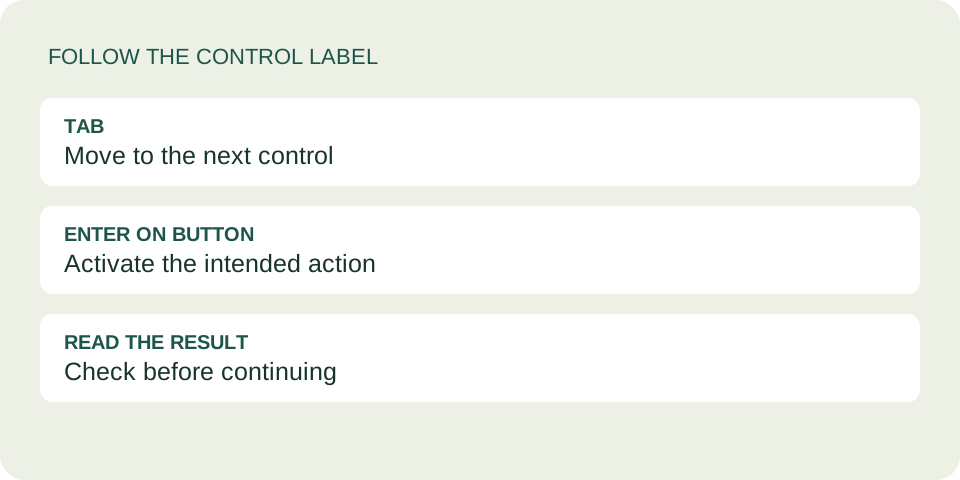
Use Tab to move between fields and buttons, then Enter to activate a focused button. Paste a supported Spotify link, activate Use link, write your message and activate Create dedication. On the finished card, use Copy dedication link and reopen that copied address before sending it. This route worked in our October 22 browser test; it is not a screen-reader certification.
Start with the label, not a Tab count
Open the card maker and move to the To field. Browser chrome, cookie preferences and links above the form can change how many Tab presses it takes to get there. Follow the visible label instead of counting from the address bar. Shift+Tab moves back when you pass the control you need.
Tab Move forward → Shift + Tab Move back → Enter Activate a button
In our test, pressing Tab from To reached From, then the anonymous checkbox, then Song or artist. We used invented information only. Your own message should remain something you are comfortable sharing through a link.
A short route with a Spotify link
- Enter the recipient. Fill To. Add an optional From name or decide whether to keep the sender anonymous. Do not confuse a blank signature with a private delivery channel.
- Move to Spotify link. You can pass the Song or artist search controls if you already have the supported full address. Paste the complete link, not a title or a shortened address.
- Confirm the music choice. Tab from the link field reached Use link in our test. Press Enter on that button. Merely pasting text is different from activating the choice.
- Write the note. Tab from Use link reached Your message. Type your own words. Use Tab to leave the message field; Enter within a multiline field is not the same action as Enter on a button.
- Create and inspect. Tab from Your message reached Create dedication. Enter opened the finished dedication page. Read its recipient, signature and message before copying anything.
Our test used a format-only Spotify address and the sentence “Synthetic keyboard test. No personal information.” It verified the card controls and preserved text, not that this invented music address plays a real song. For your card, open the actual music link separately and check the track yourself.
Recover from an input error
We activated Create dedication with an empty form. Focus returned to To. We then entered a recipient, put invalid text in Spotify link and activated Use link. Focus returned to the music address and the page requested a full supported Spotify address.
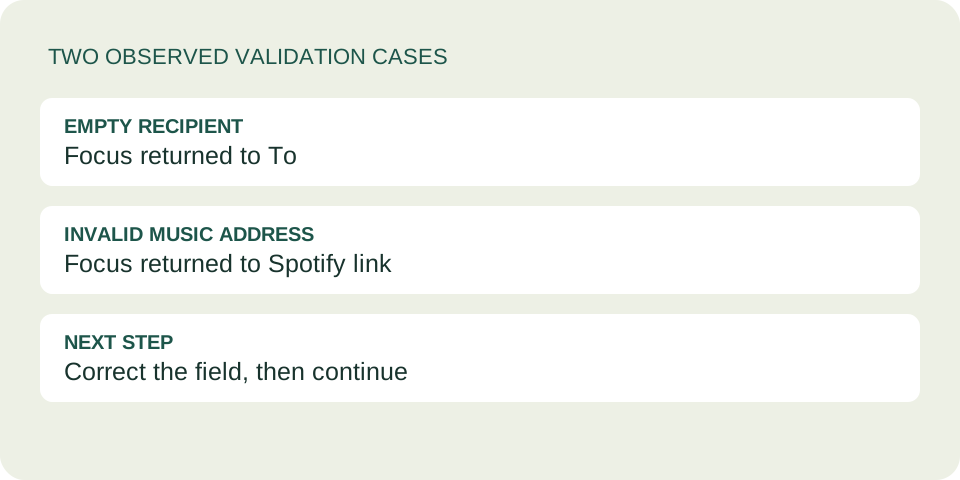
If creation does not proceed, inspect the focused field and any visible error before pressing the same button repeatedly. Correct the value, then return to the relevant button. This avoids accidentally treating a failed music choice as a completed card.
Those are two observed cases, not a claim that every error is announced by every assistive technology. We did not test a screen reader, alternate keyboard layout or every browser. If focus is hard to find on your setup, the contact page is available for a description of the control and browser; do not include a private dedication link in your report.
Copying is a separate check
On the finished card, we focused Copy dedication link and pressed Enter. The page reported that the link was copied. We read the clipboard, reopened that address in another tab and confirmed the synthetic recipient and message appeared. Nothing was sent to another person during this test.
Repeat that check with your own card before pasting into a chat. Copy dedication link preserves the card address; Copy message + music link is a different output. A clipboard message alone does not show what your recipient will see. Opening the copied card is the useful last check.
Keyboard questions
Must I use the search field?
No. The tested route used the separate Spotify link field and Use link button. Search results have their own controls and were not part of this test.
Does Enter always create a card?
No. Our successful action was Enter on the focused Create dedication button. Use the button label rather than assuming any Enter press has the same effect.
Does copying send the card?
No. You still choose where to paste and send it. Anyone with the complete card link can read its contents.
Is this a full accessibility test?
No. It records specific keyboard transitions, two validation cases and a copy/reopen check in one browser session. Screen-reader behavior and other setups remain untested.