SHARE THE SAME RECORDING
Send a song when your friend uses another music service
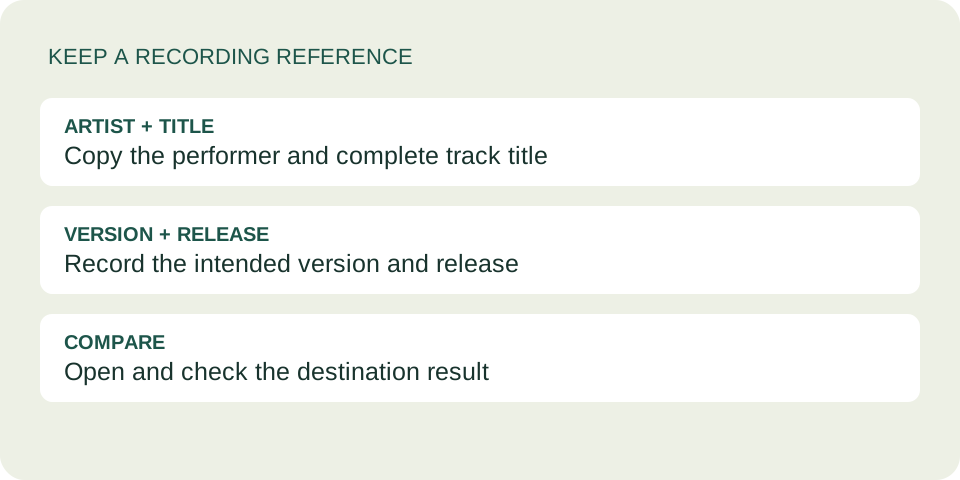
Send the artist, track title and intended version alongside your link. Search those details in your friend's music service, check the recording, then share that service's own link. A different platform's search result is a candidate to verify, not proof that you found the same performance.
Create your dedication →Make a recording reference before searching
A working link answers where to open something. A recording reference answers what your friend should look for if that destination does not suit them. Keep both: the original link remains useful for comparison even when the recipient prefers another app.
- Artist
- Copy the credited performer, including a featured artist when relevant.
- Track
- Copy the complete title, including any version label.
- Recording
- Note whether you mean studio, live, acoustic, remix or another explicitly labeled version.
- Release
- Add the album or release name and any displayed year that helps distinguish candidates.
These are identification clues, not a guarantee. The same recording may appear on more than one release, and matching artwork alone does not establish that the audio is identical. Listen and compare the details that matter to your dedication.
Practice choosing between two search results
This is an invented comparison exercise, not a claim about a real catalog. Imagine you want the quiet studio performance you heard earlier. Your search gives two results with the same performer and base title.
Candidate A
The title includes a live-session label. The opening has audience noise, and the arrangement differs from the one you intended.
Candidate B
The release details fit your reference. The opening and arrangement sound like the intended studio performance.
Candidate A is not the intended version simply because it appears first. Candidate B is the stronger candidate in this fictional exercise, but you should still open its destination link and check it before sending. If you cannot verify a match, say that plainly instead of labeling it as identical.
An original message pattern you can adapt is: “I meant the [version] recording of [title] by [artist], from [release]. Here is the original link, plus the version I found on your service.” Replace the placeholders with information you actually checked. If the alternative is different, describe the difference.
Copy a link from the destination service
Spotify's sharing menu lets you copy a content link. Apple Music on the web also offers a copy-link action from an item's menu; that link opens the item in Apple Music. Use the destination service's own sharing control after verifying your selection. See Spotify's sharing instructions and Apple's web sharing instructions.
How this works with the card tool
The pasted-link field accepts supported Spotify links. It does not convert a Spotify recording into an Apple Music or YouTube Music recording. The song search offers Apple Music results; choosing one selects that result, rather than translating an existing Spotify link.
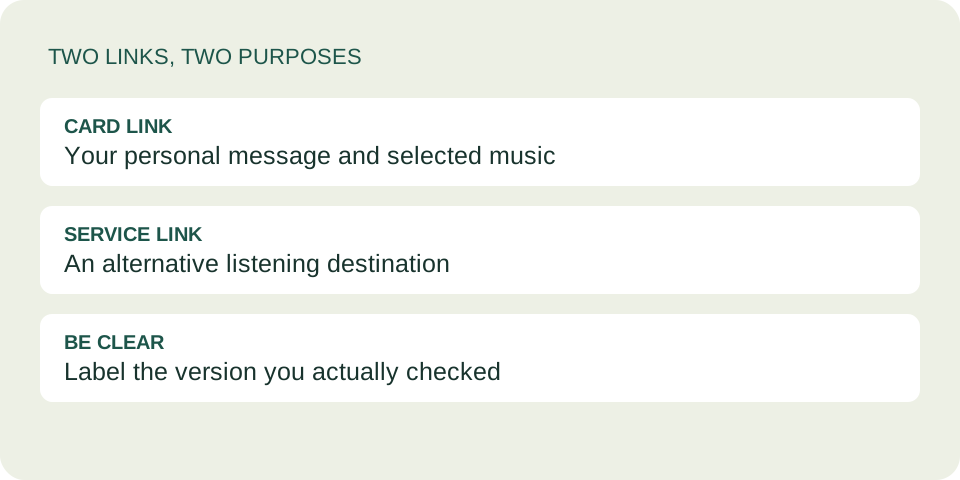
If you need a second destination, send its checked link alongside the dedication in your chat. Keep the card link too, because a direct music link does not carry the card's personal note. Do not substitute an unsupported URL into the Spotify field and assume it will work.
If the intended destination opens but audio fails, use the separate playback troubleshooting guide. This page is about identifying and sharing a recording before that problem occurs.
Questions before you send
Can I change just the domain in a music link?
No. Do not invent a destination address by replacing the service name. Find the item on that service and copy its actual link.
What if I cannot find the exact version?
Keep the original reference and tell your friend the match is unconfirmed. You can offer a clearly labeled different version, or choose another song together. Do not present a cover as the original performer.
Does a verified link guarantee my friend can listen?
No. Your check confirms what you opened, not what every recipient can access. Ask them to try their destination rather than promising universal playback.
Should I replace my existing dedication?
You can simply send the alternative listening link separately. If you create a new card, it has its own link; it does not change the previously shared card. See the card correction guide.