KEEP THE MEANING, LOSE THE CLUTTER
Make a long song dedication easier to read on a phone
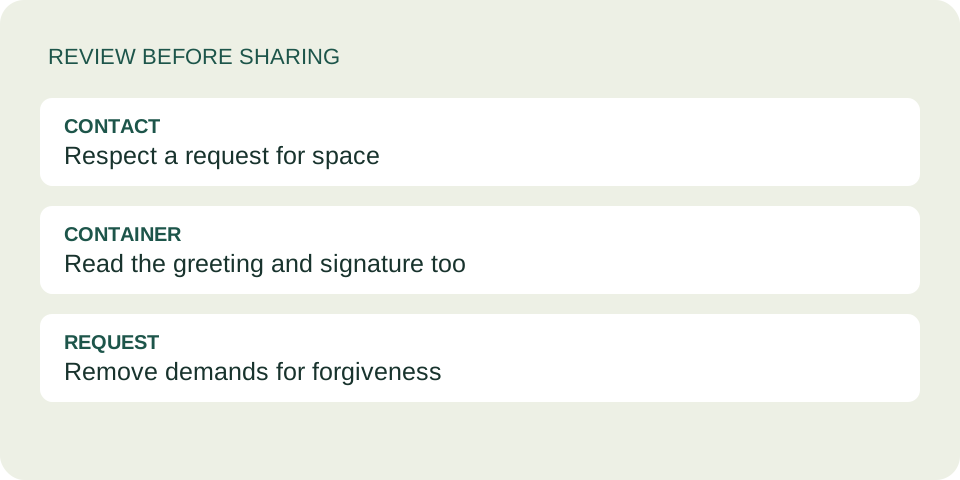
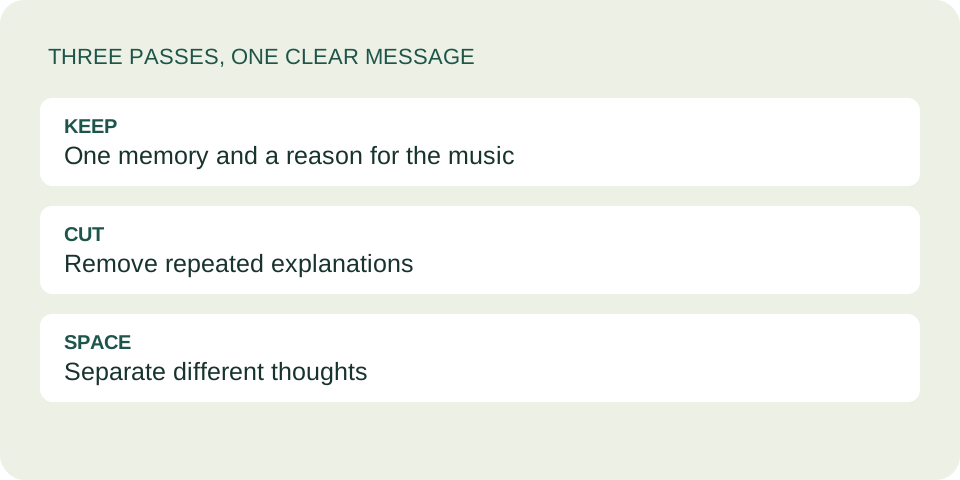
Keep the memory and the reason for choosing the music. Remove repeated explanations, put separate thoughts into short paragraphs, then open the finished card on a narrow screen. The message limit is a ceiling, not a target: a note can be complete long before the counter reaches it.
Save the long version before editing
Copy your draft into your own notes first. Work on a second copy so removing a sentence does not feel like losing it forever. The card maker has no account history or automatic version recovery. Keep only information you are comfortable sharing through a link.
Mark the sentence that says what you want the person to understand. Next, mark one concrete memory and one connection to the recording. Those are your anchors. A paragraph that does none of these jobs may belong in your private draft instead of the card.
Try three editing passes
The following bicycle example is invented to demonstrate editing. It is not a user's message, a lyric, or a claim about any particular recording.
Starting draft
“I have been trying to decide how to explain why I am sending this. I thought about a lot of things, and then I remembered the afternoon we tried to fix the bicycle bell. You kept testing it until it finally rang. I remember how funny that afternoon was, and how much we laughed when it worked. This music feels playful to me and reminds me of that day. I hope you know why I chose it, because I wanted to explain that it reminded me of our afternoon.”
Pass one: remove the repeated explanation
Keep the bell and the laughter. Delete the opening about trying to write, and the final sentence that repeats why you chose the music. Neither adds a new memory or a new meaning.
Pass two: keep your strongest detail
“I remembered how you kept testing the bicycle bell until it finally rang. We laughed so much when it worked. This playful music brought that afternoon back.”
Pass three: give the thought room
“I remembered how you kept testing the bicycle bell until it finally rang. We laughed so much when it worked.
This playful music brought that afternoon back.”
The last pass changes spacing rather than meaning. You do not need a separate line for every sentence. Keep sentences that describe the same moment together, then start a new paragraph when the purpose changes.
Read the counter correctly
The form displays a limit of 1500. This is not a word allowance. In a browser check on October 16, 2026, typing one ordinary letter after 1499 ordinary letters reached 1500; another typed letter was not added. A separate test containing a musical-note emoji counted that emoji as two units. Spaces and line breaks also use space in the counter.
Use the visible counter instead of assuming every visible symbol counts as one. Do not aim for exactly 1500 or pad a short note to fill the box. If your full message will not fit, keep a clear introduction in the card and use a suitable separate conversation for the longer discussion. The tool does not shorten or split it for you.
Check the opened card, not just the writing box
- Create the card using your final draft.
- Open the complete card link on a phone or narrow browser window.
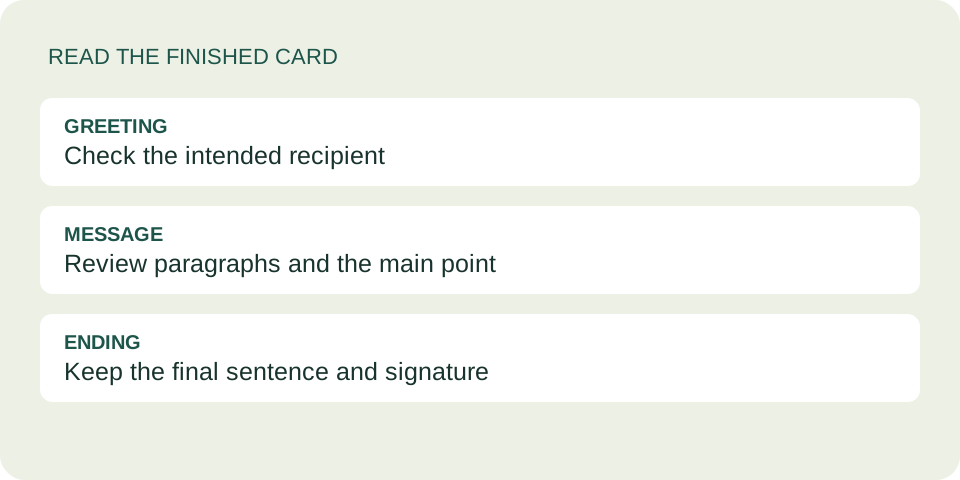
- Read from the greeting through the signature. Check that paragraphs remain separate and that no essential sentence disappeared during editing.
- Copy and reopen the full dedication link before sharing. A music-service link alone does not carry your note.
A synthetic test retained a blank line and a musical emoji when creating the card. This checks those particular characters and line breaks; it is not a promise about every device or writing system. See the two-language guide for checking paired versions.
Questions about long notes
Does a shorter note mean less feeling?
No length proves sincerity. Keep the details that matter to you; remove only words that get in their way.
Should I shrink the text to fit more?
The card maker does not offer a font-size control. Edit the message instead of relying on tiny text or a screenshot of a long paragraph.
Can I change the note after sending?
A new card does not update an old link. Follow the replacement-card workflow if you already shared it.
Should the song explain what I cut?
Do not cut an important meaning and expect the recipient to guess it from the lyrics. Keep your main point readable without pressing play.
Review the tone of the whole card