PLAYBACK HELP · 2026-10-01
The card opens, but the music won’t play
If the message is visible, first choose Load music player. If the player stays blank or will not play, use Open in Spotify or Open in Apple Music beneath it. The dedication and the music service load separately; a readable card does not guarantee music playback.
Create a dedication →Match the next step to what you can see
| What you see | What to try |
|---|---|
| The note and a Load music player button | Choose the button once. The music player is not loaded automatically when the card opens. |
| A blank or unresponsive player | Use the Open in music-service link below it. This takes you to the original music destination. |
| A player that stops after a short preview | Open the same item on its music service and check what that service allows for your account. |
| An invalid dedication notice instead of the note | Ask the sender for the complete dedication link. This is a card-link problem, before music playback. |
Do not recreate the message just because the embedded player is blank. First check the external music link. If the same item also fails on the original service, the card alone cannot establish the cause or make that item playable.
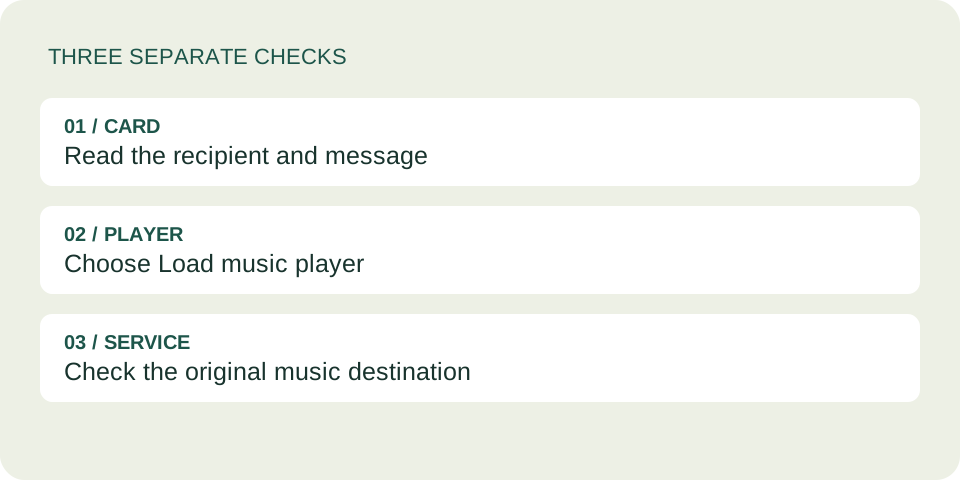
What this card does when you load music
We reviewed the current DedicationCard player code. It renders the recipient, note and song information first. It creates the music-service frame only when you choose Load music player. That button then disappears, while the external music link remains available.
The disappearing button means the card requested a player; it is not a playback-success indicator. The current code does not report whether the listener heard the song, and it does not provide a delivery or listening receipt to the sender.
For Spotify, the card constructs an embedded-player address from the accepted track, artist or episode link. For Apple Music, it uses the music address’s path and retains a numeric song identifier when present. Neither operation downloads a song into the dedication.
These are source-code findings. They do not establish that a particular recording is available, that a listener is signed in, or that audio will play in every browser. These findings come from source review and isolated code tests, not a live playback test.
A preview is not necessarily a broken card
Spotify’s official embed troubleshooting guide explains that some situations allow only a short preview. It discusses supported browsers and encrypted-media support. That is a provider-side troubleshooting starting point, not proof of the cause on your device.
Our current frame configuration includes encrypted-media permission, but that setting alone does not guarantee full playback. Try the external music destination before changing anything. Do not turn off browser security protections just to make a dedication play.
Keep the message with the music
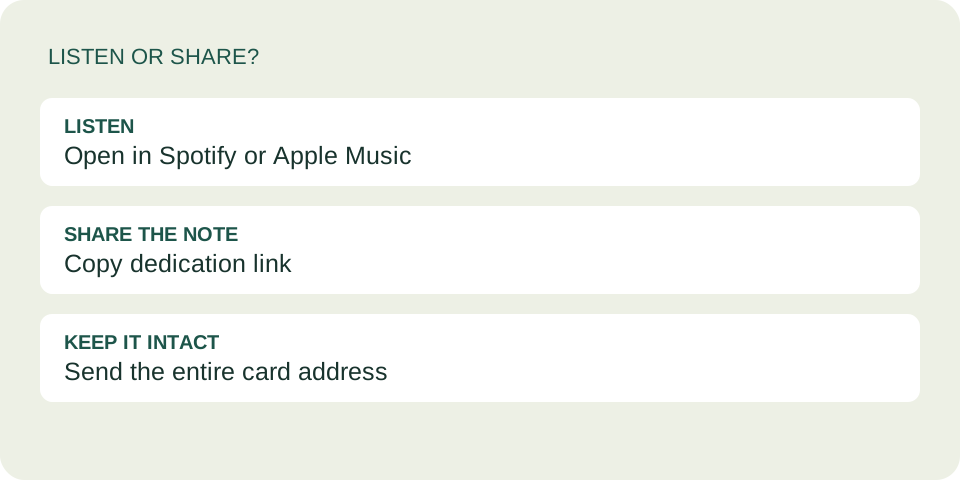
The Open in link is a listening fallback. It leads to the music service, so it does not carry the personal note with it. If you are forwarding the dedication to someone else, use Copy dedication link on the card to preserve the whole message.
If copying a link fails, the card can show selectable text for manual copying. Keep the entire link intact. Our sharing guide covers the difference between sending a card and sending only the song.
Questions before you try again
Do I have to load the player to read the message?
No. A valid card shows its message separately from the embedded player. You can read the note without loading that player.
Does the sender know I listened?
This tool does not provide a listening receipt. A player appearing on the page is not evidence that the recipient played the music.
Will refreshing fix a blank player?
It may let you try loading again, but it is not a guaranteed fix. The direct music-service link is another way to check the same destination.
Should I send a different song immediately?
First check whether you selected the correct recording and whether it opens on its service. If the original selection is unavailable to the recipient, choose an accessible alternative together rather than repeatedly resending the same card.
Read the note. Check the source.
Use the card for the personal message and the music service for playback. If the problem begins before you create a card, see our song-search guide.
Keep the meaning readable without audio
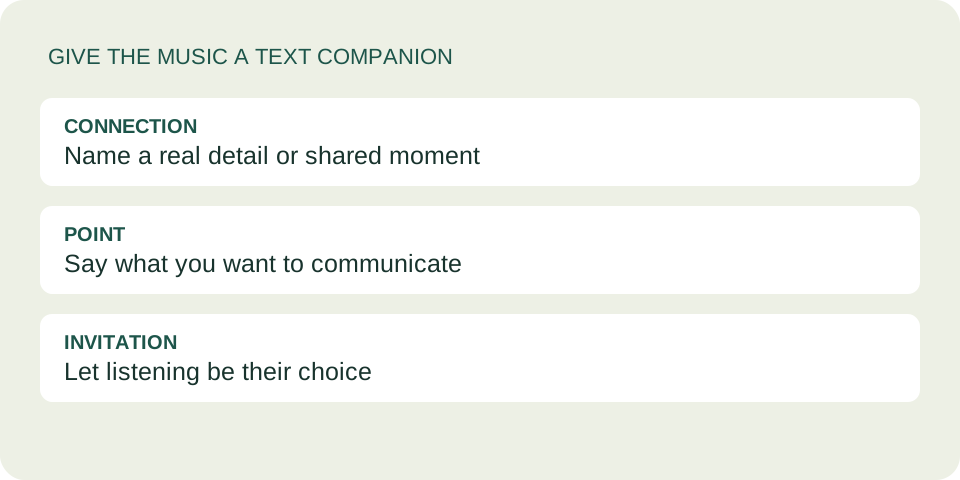
Check whether your dedication makes sense before the player loads.